

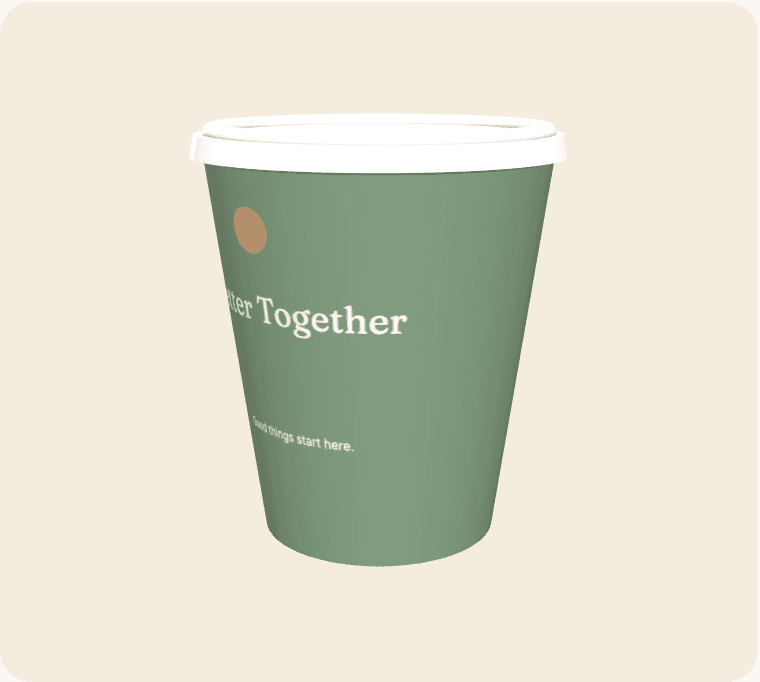
Personalised coffee cups can make an occasion feel considered without needing a complicated design. A name, a date, a phrase or a small illustration can be enough when it is chosen for the people using the cup. The important distinction is between one shared personalised design and individually variable artwork. Decide which you mean early, because a collection of different names is a different production brief from a single message repeated across a run.
Make the personal detail purposeful
Choose a detail that guests will understand without an explanation: the hosts’ names, an occasion, a place or a meaningful line. If you include a date, check the exact format and spelling against the event brief. Small factual mistakes are easy to miss when everyone is concentrating on the colours.
Check permission and privacy
Use only names, photographs and illustrations you are entitled to reproduce. Consider whether a personal detail should appear on an object that may leave the venue. For private celebrations, a less specific message can sometimes achieve the desired feeling without publishing unnecessary information.
Define how many designs you need
Write down whether all cups share the same artwork or whether several distinct designs are required. Do not assume a name list can automatically become variable printing. Discuss that requirement separately and confirm the supported workflow before building a large set of personalised files.
Review with fresh eyes
Ask someone who did not create the artwork to check names, punctuation and dates. Compare the design at normal reading size and make sure a decorative font does not make a meaningful name difficult to read. Keep the reviewed version clearly identified for the final approval.
From a brief to a reviewable design
Open the suggested template as a starting point, then replace its sample wording and artwork with material you are entitled to use. Select an active cup size and compare the editing surface with the curved wrap. Treat the seam, bleed and safe-area indicators as guidance based on the current geometry; supplier confirmation is still required before production.
Save a clearly named revision before asking other people to review it. Give reviewers a specific checklist: identity, spelling, contact details, placement and the intended destination of any code. Consolidate their feedback into one version instead of treating several similar files as equally final. Screen previews help with layout, but they do not certify material suitability, exact colour, resolution or a production-ready PDF.
Compare the complete project
Use the live calculator for quantities, turnaround options, extras and estimated delivery. Keep VAT and delivery assumptions visible when comparing scenarios. The figures are indicative until commercial details are confirmed, and a production range is not a courier guarantee. The estimator uses configured working days, cut-off time, closure dates and the England-and-Wales holiday calendar.
Live payments and manufacturing release remain closed while merchant and supplier acceptance is outstanding. Preparing a design is still useful: it gives the team a concrete brief to review. Confirm the actual product, commercial terms and receiving arrangements before announcing an arrival date or treating the artwork as approved for manufacture.