

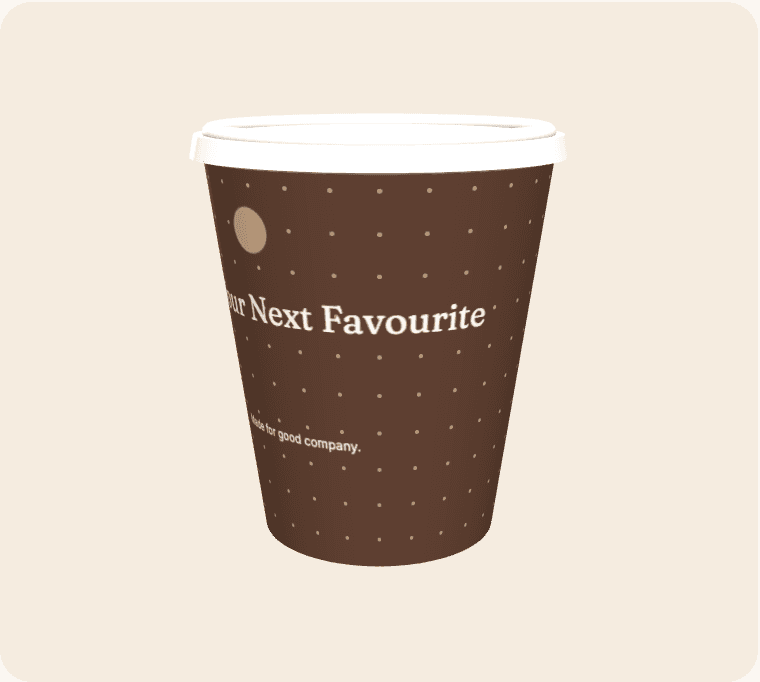
A QR code is useful only when it can be scanned and the destination rewards the effort. Start with the page or resource, then design the code placement. Curvature, contrast, quiet space and the way a person holds a drink all affect the practical experience. A successful scan on a flat monitor is a useful early check, but it is not evidence that the finished cup will scan reliably in every setting.
Give the code a clear purpose
Explain what someone will find: event resources, a product explanation or a relevant menu. Avoid an unexplained square placed beside several competing messages. A short supporting line can help people decide whether scanning is worth their attention without making exaggerated promises.
Protect the quiet area
Keep a clear margin around the code and avoid placing it over a busy pattern. Review its position against the seam and the tapered shape. Do not distort the code to fit a decorative element, and do not assume that a low-contrast brand combination will remain readable.
Test the entire journey
Check more than whether the camera recognises the pattern. Open the destination on different phones, review loading and navigation, and confirm that the page matches the printed description. Include a readable short URL where practical so the action is not dependent on a camera alone.
Maintain the destination responsibly
If you control a redirect, document who can change it and what it should do after the campaign. Avoid surprising users with a different purpose later. If analytics are used, explain data collection and obtain any necessary consent rather than assuming a scan authorises tracking.
From a brief to a reviewable design
Open the suggested template as a starting point, then replace its sample wording and artwork with material you are entitled to use. Select an active cup size and compare the editing surface with the curved wrap. Treat the seam, bleed and safe-area indicators as guidance based on the current geometry; supplier confirmation is still required before production.
Save a clearly named revision before asking other people to review it. Give reviewers a specific checklist: identity, spelling, contact details, placement and the intended destination of any code. Consolidate their feedback into one version instead of treating several similar files as equally final. Screen previews help with layout, but they do not certify material suitability, exact colour, resolution or a production-ready PDF.
Compare the complete project
Use the live calculator for quantities, turnaround options, extras and estimated delivery. Keep VAT and delivery assumptions visible when comparing scenarios. The figures are indicative until commercial details are confirmed, and a production range is not a courier guarantee. The estimator uses configured working days, cut-off time, closure dates and the England-and-Wales holiday calendar.
Live payments and manufacturing release remain closed while merchant and supplier acceptance is outstanding. Preparing a design is still useful: it gives the team a concrete brief to review. Confirm the actual product, commercial terms and receiving arrangements before announcing an arrival date or treating the artwork as approved for manufacture.